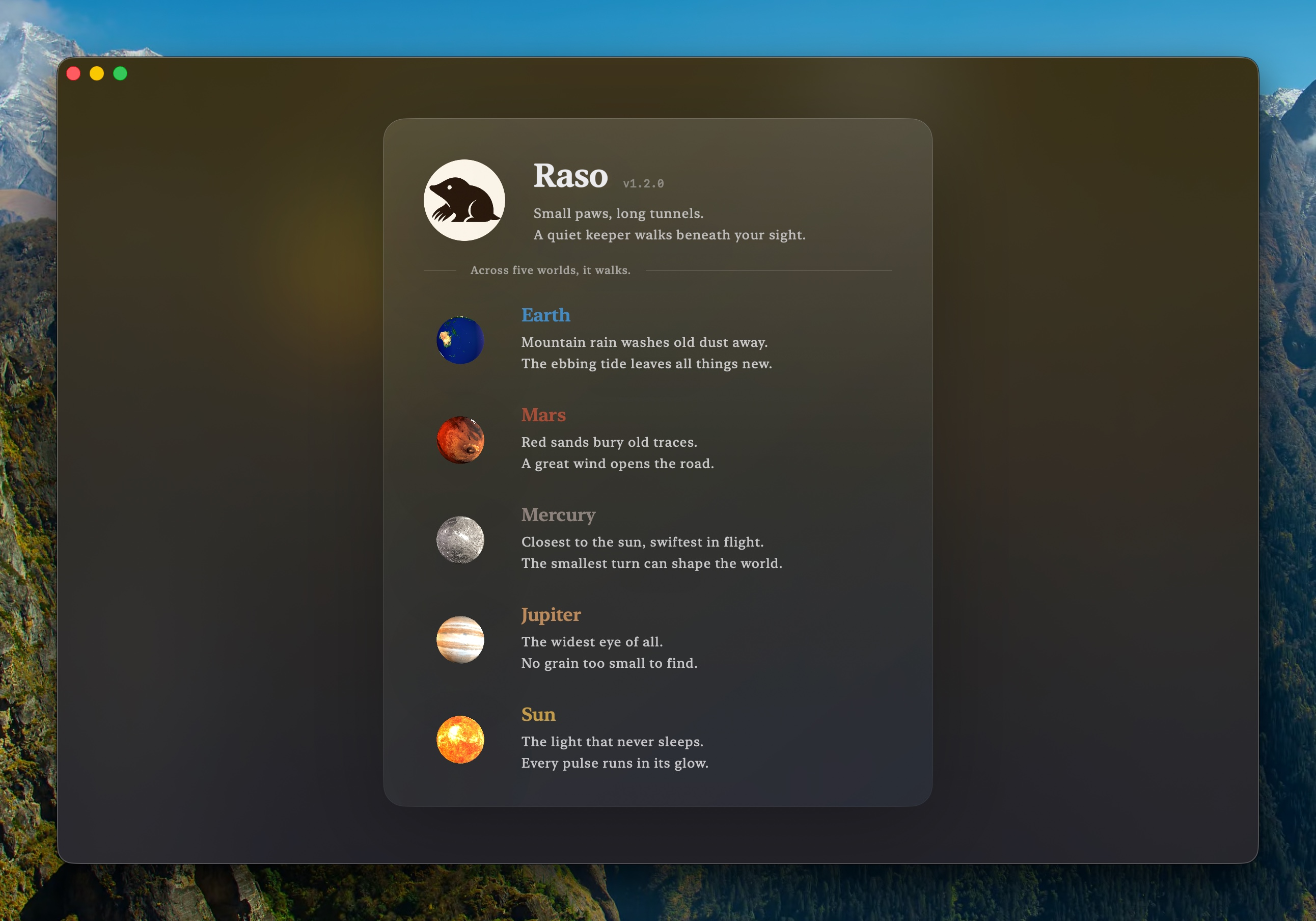
Raso · macOS
The journal can be read without installing software. The installation panel shows the current instructions for Raso on Mac.
Download for macOS
In Finder, open Downloads in list view and sort by size. Preview unfamiliar files. In System Settings, open General, then Storage to see the categories macOS reports.
Documentation · Journal
Terminal