Mac · Utilities

Raso.

Explore what takes up space on your Mac. Start with files you recognise, then decide what to keep.
macOS · Terminal instructions Releases
CachesUninstallOptimizeAnalyzeStatus

Five tools,
one place.

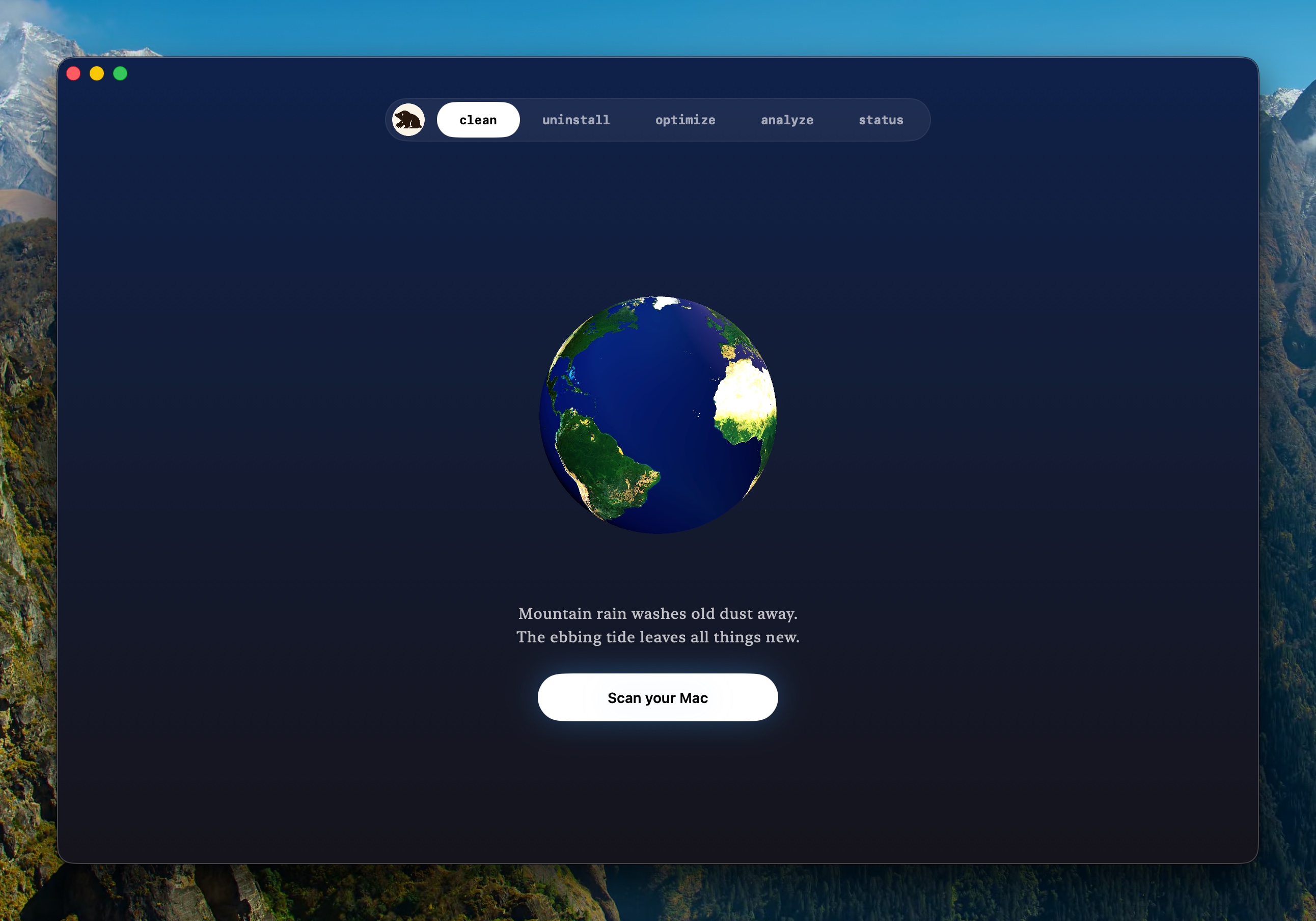
Caches

Temporary app files.

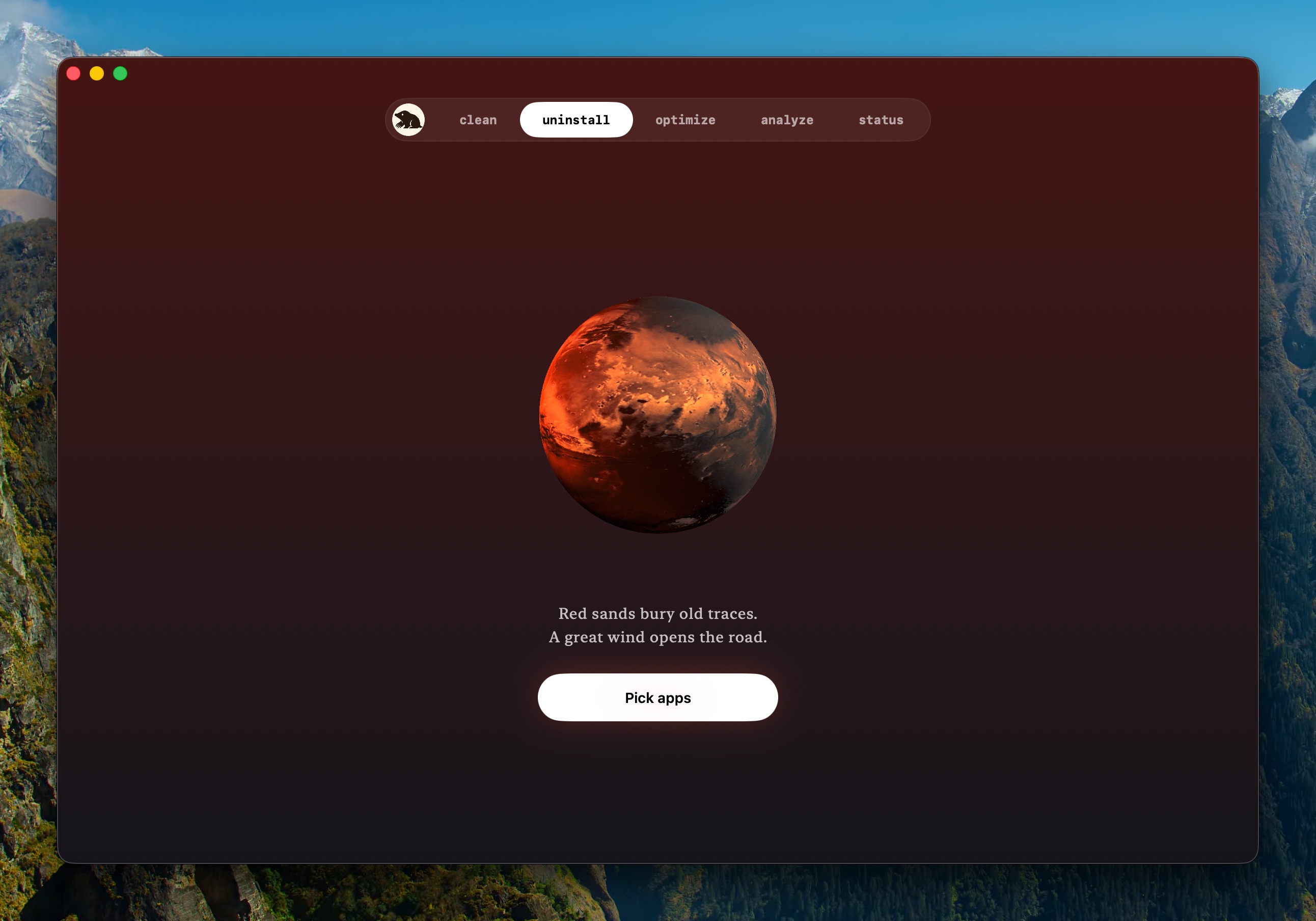
Uninstall

Red dust covers what you've outgrown.

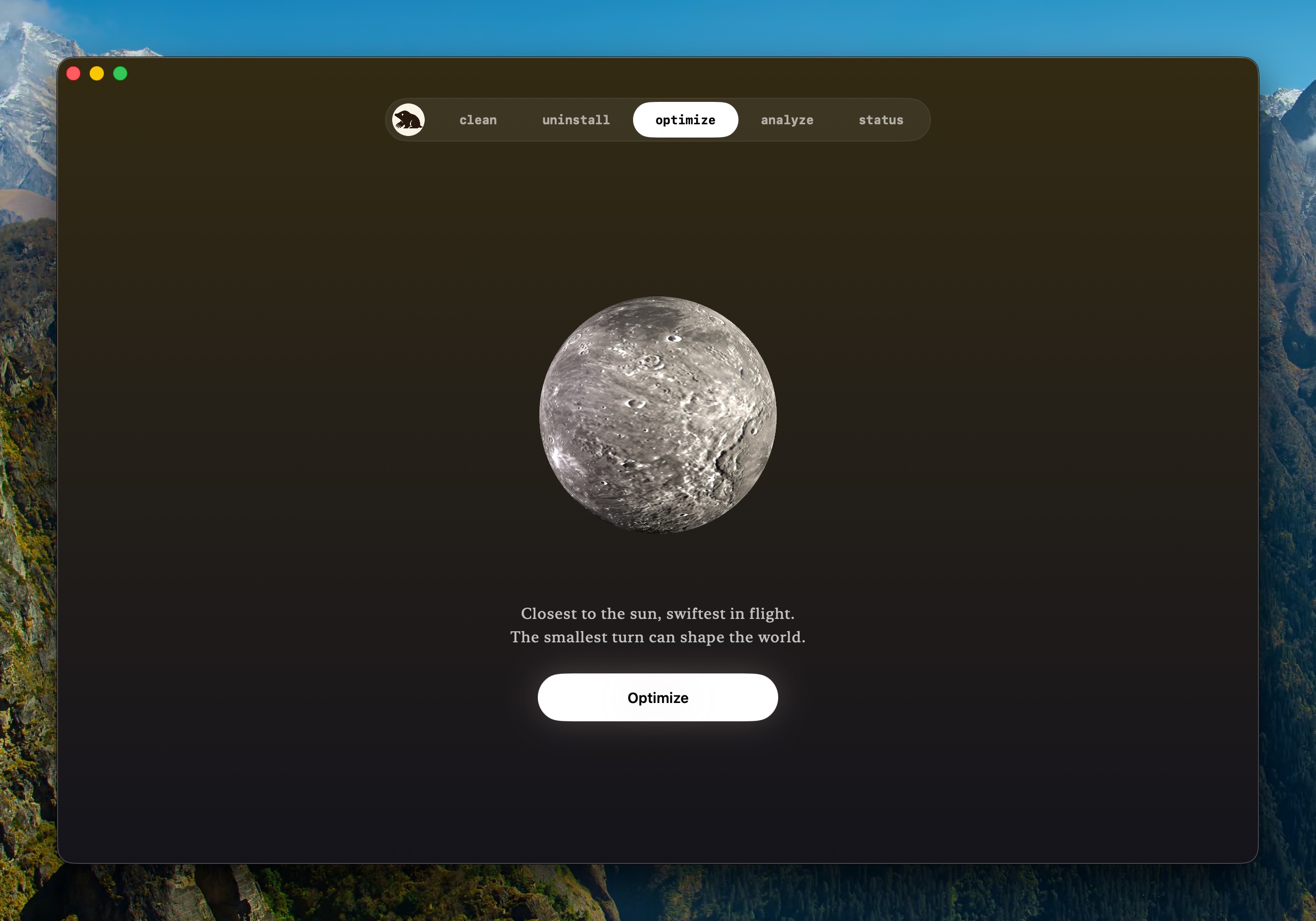
Optimize

Closest orbit, swiftest run.

Analyze

Widest eye, smallest folder on the map.

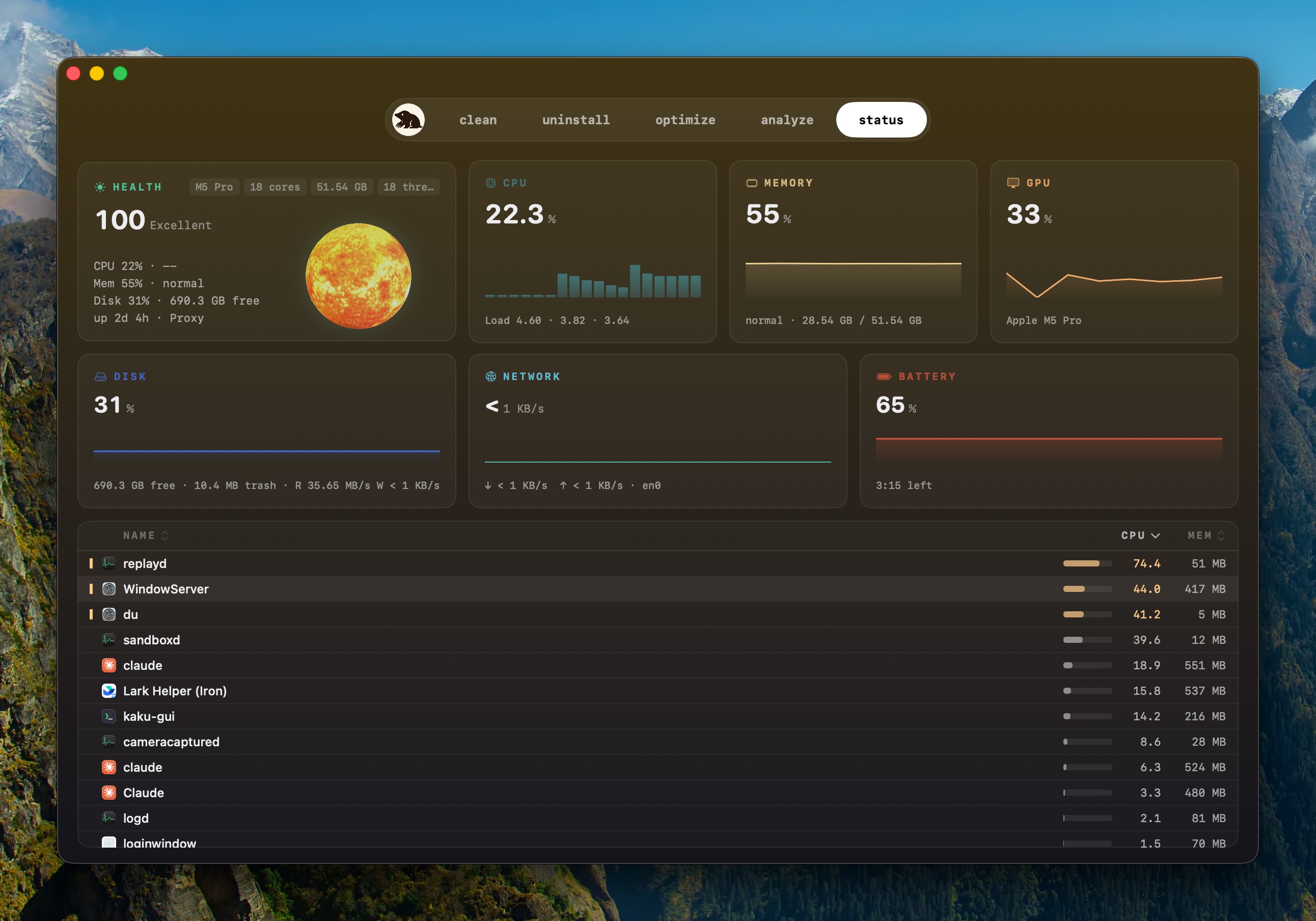
Status

Every heartbeat, in its light.

01 · The Five

A solar system of small jobs

Each section below describes one of the five tools. The gallery shows the corresponding view in Raso.

  1. CachesTemporary app files.

    Review cached files by category and choose which ones to remove.

  2. UninstallRed dust covers what you've outgrown.

    Review applications and their associated files.

  3. OptimizeClosest orbit, swiftest run.

    Review the available maintenance tasks before choosing one.

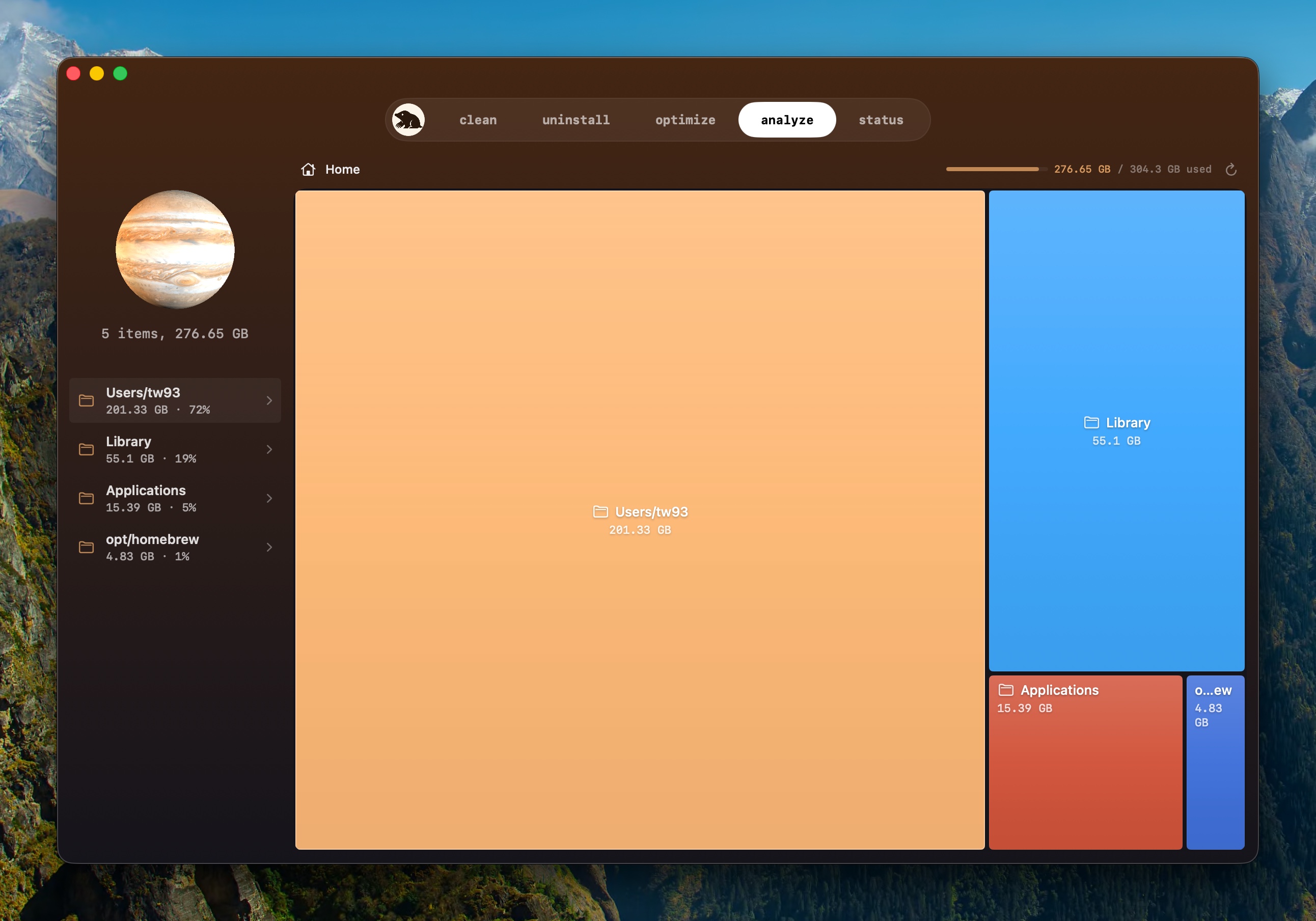
  4. AnalyzeWidest eye, smallest folder on the map.

    Explore the relative sizes of files and folders.

  5. StatusEvery heartbeat, in its light.

    View disk, CPU and memory activity.

02 · How it behaves

Conservative by default

Explore what takes up space on your Mac. Start with files you recognise, then decide what to keep.

  1. 1 Privacy Policy Website visits and eligible copy events are measured with the X, Reddit and Taboola pixels.
  2. 2 Review the selection Open the file or folder in Finder before deciding whether to remove it.
  3. 3 Keep a backup Keep a separate copy of files you may need again.
  4. 4 Journal Six practical guides to large files, downloads, app data and System Data.

03 · Questions

Honest answers

Which folders can I review first?
In Finder, open Downloads in list view and sort by size. Preview unfamiliar files. In System Settings, open General, then Storage to see the categories macOS reports. Documentation
How do I read the disk map?
Explore the relative sizes of files and folders. Documentation
Where are the installation instructions?
The journal can be read without installing software. The installation panel shows the current instructions for Raso on Mac. Help
Does this website use advertising pixels?
Website visits and eligible copy events are measured with the X, Reddit and Taboola pixels. Privacy Policy
Can I buy a licence here?
This site currently takes no payments. For an existing transaction, use the merchant details on your original receipt. Refund Policy
Where can I find release notes?
Check the installation panel for availability. Release notes will appear here when a documented Raso release is published. Releases

Help